
Dashboard
Observe throughput, transfer volume, Xray CPU and memory, active accounts, active connections and traffic-gateway capacity.
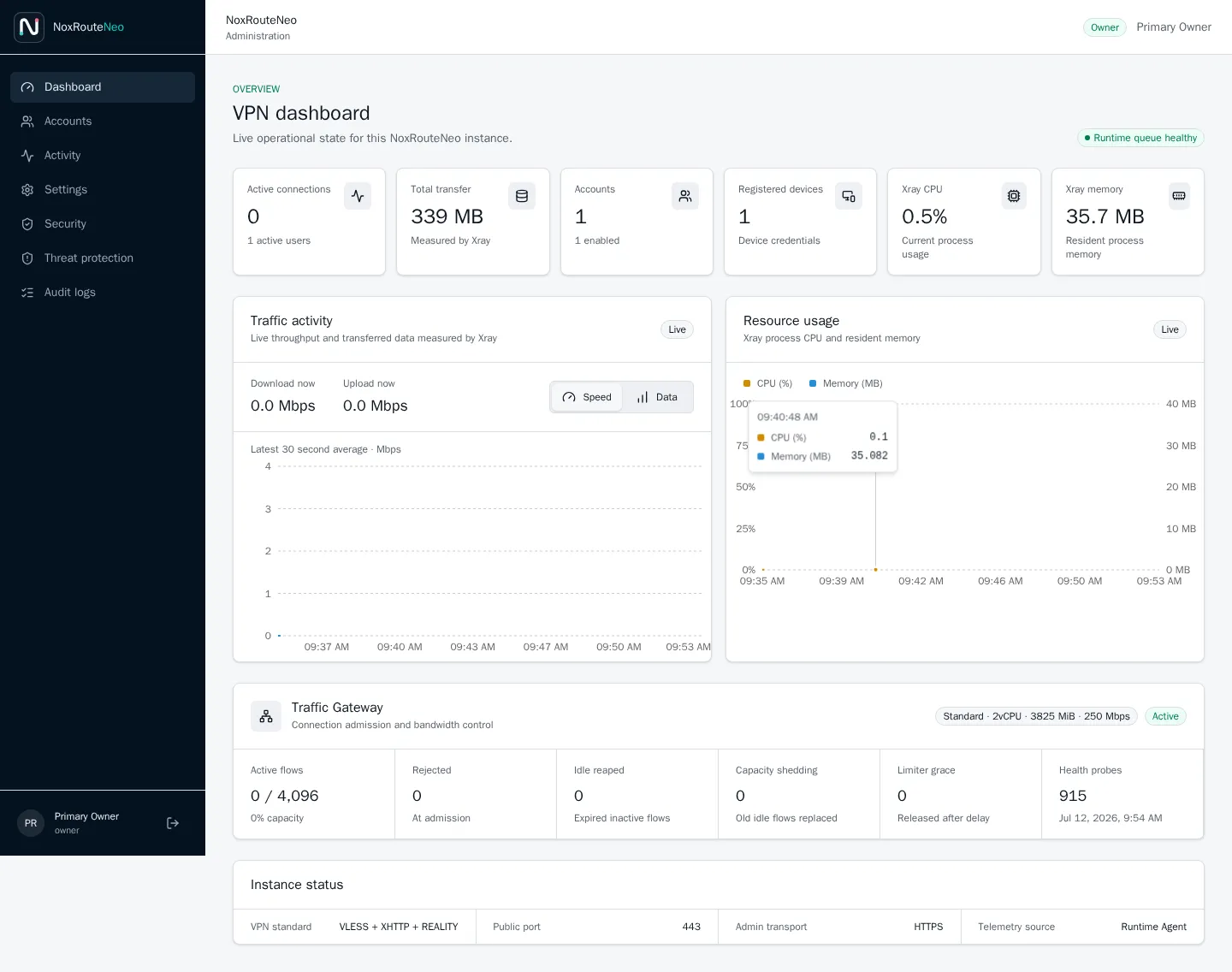
Dashboard
Observe throughput, transfer volume, Xray CPU and memory, active accounts, active connections and traffic-gateway capacity.
Accounts
Create VPN users or administrators, set limits, reset credentials, suspend access and inspect account details.
Activity
Review aggregate usage and current activity by user and registered device.
Security
Search audit events, inspect web sessions, review temporary IP bans and create or remove permanent bans.
Settings
Configure account defaults, traffic-gateway policy, DuckDNS, XHTTP and the REALITY target.
Diagnostics
Validate the REALITY target and make a real HTTPS request through a temporary local VLESS + XHTTP + REALITY client.
An administrator can set these values per VPN user:
Routine account and device changes are synchronized through Xray’s local API so existing tunnels do not need a full Xray restart.